Smart Printing Solutions
Innovative technology that delivers fast, reliable, and high-quality printing for every business need. Designed to boost efficiency, reduce costs, and simplify your workflow.
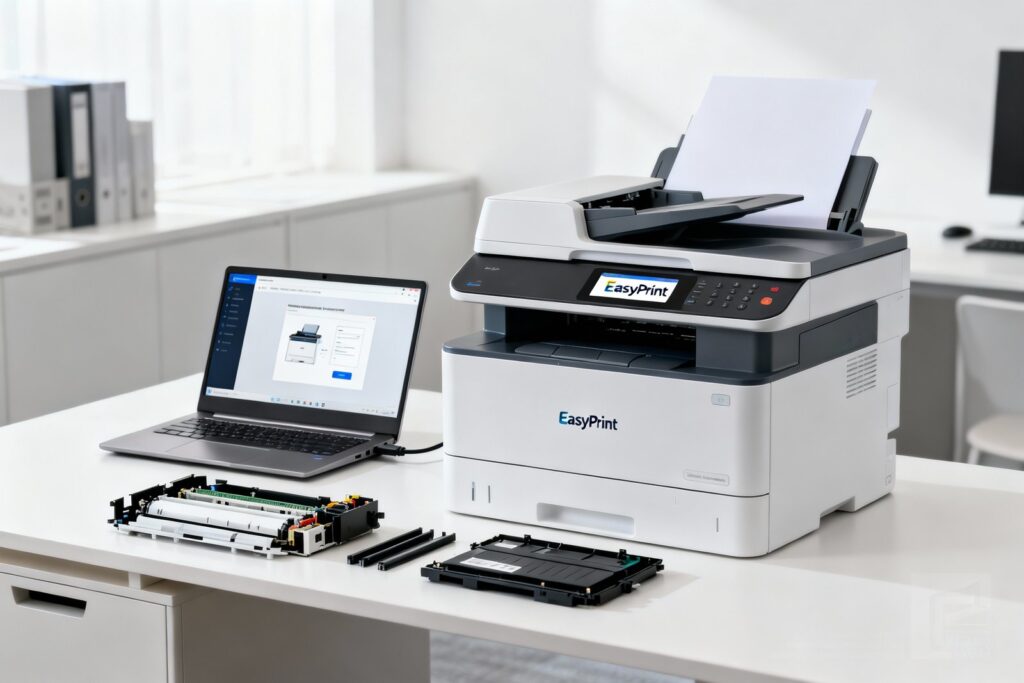
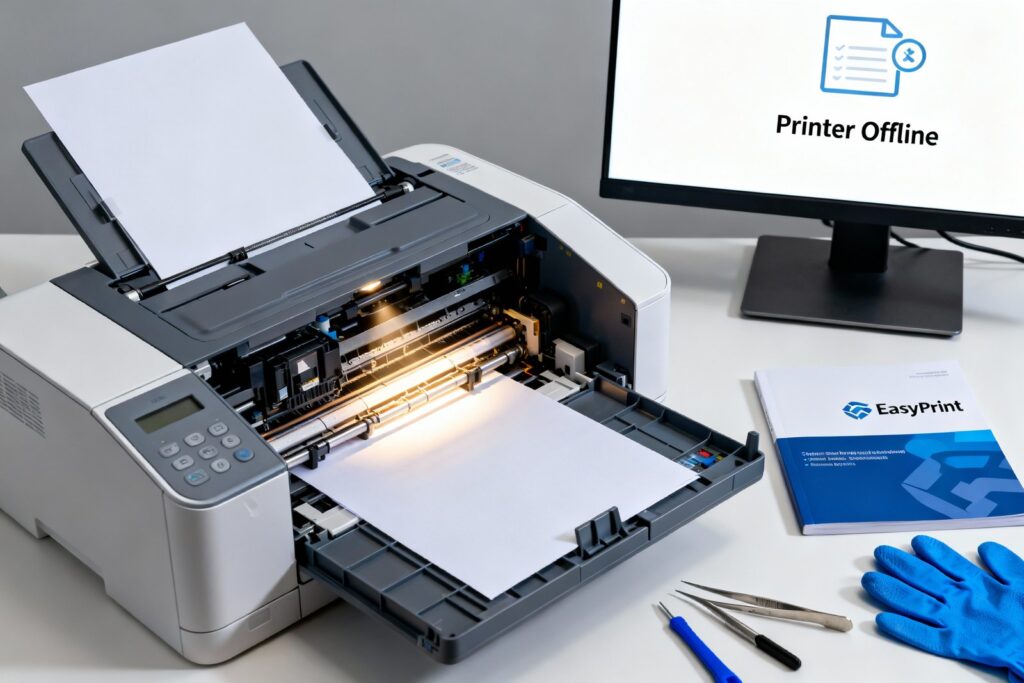
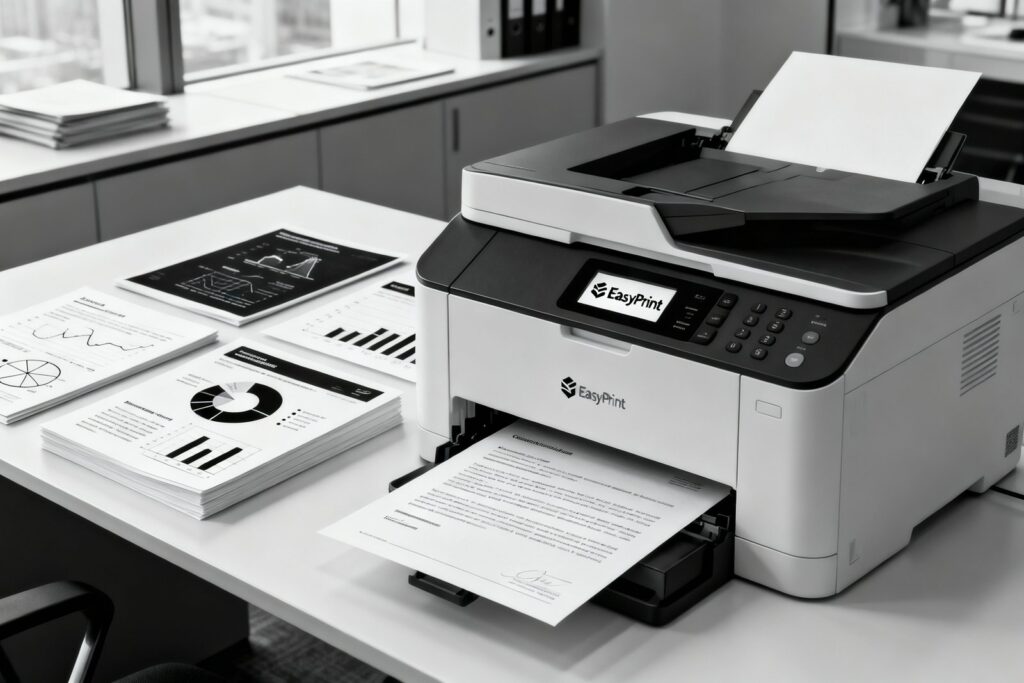
A Complete Guide to Printing at Home
Printing at home is simple and efficient when you have the right guidance. From choosing the right printer for your needs and understanding print quality to connecting devices and performing routine maintenance, several factors contribute to a smooth printing experience. This guide provides practical tips and useful insights to help you achieve consistent, high-quality results—whether you’re printing everyday documents, school projects, or personal photos
Setting up a home printer is generally straightforward, as most models are designed to guide users through the process with minimal effort. The initial step typically involves unpacking the printer and preparing it with the necessary supplies, such as ink or toner cartridges and paper. Many printers include clear instructions or set up wizards that simplify the installation process, even for users setting up a printer for the first time.
The next step is connecting the printer to your computer, laptop, or mobile device. Modern printers often support wireless connections, enabling printing from multiple devices without the need for cables. For printers without wireless functionality, a direct USB connection offers a reliable alternative. Manufacturers usually provide the required drivers to ensure the printer communicates properly with your devices and produces consistent, high-quality results.
After connecting the printer, it’s recommended to print a test page to ensure everything is functioning correctly. This allows you to verify that ink or toner is installed properly, paper feeds smoothly, and print quality meets expectations. Once these initial checks are complete, your printer is ready for everyday use, whether printing documents, school assignments, or personal photos. Following the set up steps carefully can help create a seamless home printing experience and minimize potential troubleshooting later.
Questions About Home Printing?
Get in Touch with Us
Interested in home printers or seeking practical printing tips? Our blog offers clear guidance, answers frequently asked questions, and provides helpful insights for everyday printing tasks. Browse our articles to simplify your printing experience, and don’t hesitate to share your feedback or suggestions with us.
Discover the smart solutions that keep your printing hassle-free and running smoothly.
User-Friendly Interface
This website is designed with a clean and intuitive layout, making it easy to navigate. Whether you’re a first-time visitor or returning user, you can quickly access the information you need without any hassle. Each section is carefully organized to save time and provide a smooth, user-friendly browsing experience.
Step-by-Step Guides
Our platform offers clear, step-by-step instructions to make solving technical issues easy. Whether you’re troubleshooting printer problems or setting up a new device, each guide is written in simple, easy-to-understand language, so anyone—regardless of technical experience—can follow along and quickly find solutions.
24/7 Accessibility
Printing problems can arise at any time, so our website is available around the clock. You can access guides, tips, and helpful resources whenever you need them. No matter the time of day, reliable support is always just a click away.
Multi-Device Compatibility
This website is designed to work smoothly on desktops, laptops, tablets, and smartphones, giving you full access regardless of the device you use. Whether you’re at home, in the office, or on the go, you can quickly troubleshoot issues and find solutions at any time. Convenience and accessibility are built into every part of the experience
Quick Search Functionality
Our built-in search tool makes finding solutions fast and simple. Just enter your issue, and you’ll quickly access the most relevant resources—without having to browse through multiple pages. This feature is designed to save you time and effort.
Regularly Updated Resources
Technology is constantly evolving, and printing challenges can change along with it. That’s why we regularly update our resources with the latest tips, solutions, and insights. You’ll always have access to up-to-date, accurate, and reliable information to help keep your devices running smoothly.
We provide reliable and easy-to-understand information about home printers. Our content is designed to help readers learn about printer features, performance, usability, and key factors to consider before making a purchase. We aim to deliver accurate, well-researched insights so you can make informed decisions when exploring different printer options.
This platform operates independently and is not affiliated with, sponsored by, or associated with any printer manufacturer or brand. We do not represent or act on behalf of any printer company. All brand names and trademarks mentioned are used solely for informational and identification purposes.